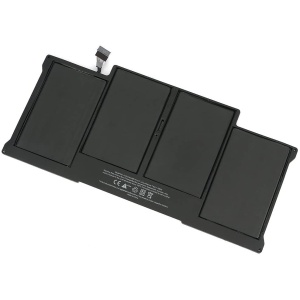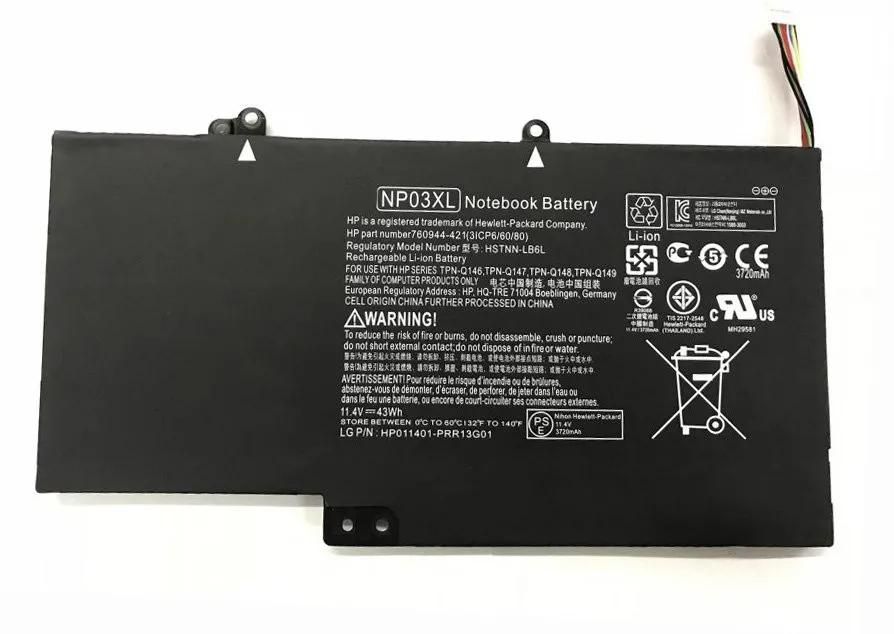
Enhance the performance and extend the life of your HP Pavilion x360 13 and HP Envy x360 with our high-quality original battery. Designed for reliable power, fast charging, and consistent performance, this battery ensures seamless compatibility and optimal functionality for work, study, and entertainment.
Key Features:
- Original Grade A Cells: Our replacement battery offers longer battery life, superior performance, and fast charging times, mirroring the original specifications.
- Extended Battery Life: Enjoy extended laptop usage without frequent recharges, ideal for on-the-go professionals and students.
- Safety Certified: Advanced safety features, including overcharge, over-discharge, overheat, and short-circuit protection, ensure safe and reliable operation.
- Perfect Fit: Designed specifically for the HP Pavilion x360 13 and HP Envy x360, our replacement battery fits seamlessly into your laptop without any modifications.
- Easy Installation: User-friendly design ensures hassle-free installation without technical skills. A comprehensive guide is provided.
Why Choose Our Replacement Battery:
- Long-lasting Power: Our replacement battery provides consistent and reliable power, ensuring your HP Pavilion x360 13 and HP Envy x360 operate efficiently for extended periods.
- High Compatibility: 100% compatible with HP Pavilion x360 13 and HP Envy x360 models, guaranteeing optimal performance without any risk of damage.
- Eco-Friendly: Manufactured using eco-friendly materials and techniques, minimizing environmental impact.
- Affordable Pricing: Competitive pricing without compromising quality, allowing you to enjoy premium battery performance at an affordable cost.
- Customer Support: A dedicated customer support team is available to assist with any questions or issues, ensuring a smooth and satisfactory experience.
Specifications:
- Type: Li-ion
- Voltage: Specific to model
- Capacity: High capacity (mAh varies by model)
- Color: Black
Compatibility: This replacement battery is compatible with the following HP Pavilion x360 13 and HP Envy x360 models:
- HP Pavilion x360 13 Series
- HP Envy x360 Series
- Additional compatible models: [List any other compatible models if applicable]
Installation Instructions:
- Turn off your HP Pavilion x360 13 or HP Envy x360 and disconnect it from the power source.
- Remove the old battery by following the disassembly guide specific to your laptop model.
- Insert the new battery into the battery slot, ensuring it is securely fitted.
- Reassemble your laptop and allow the new battery to fully charge.